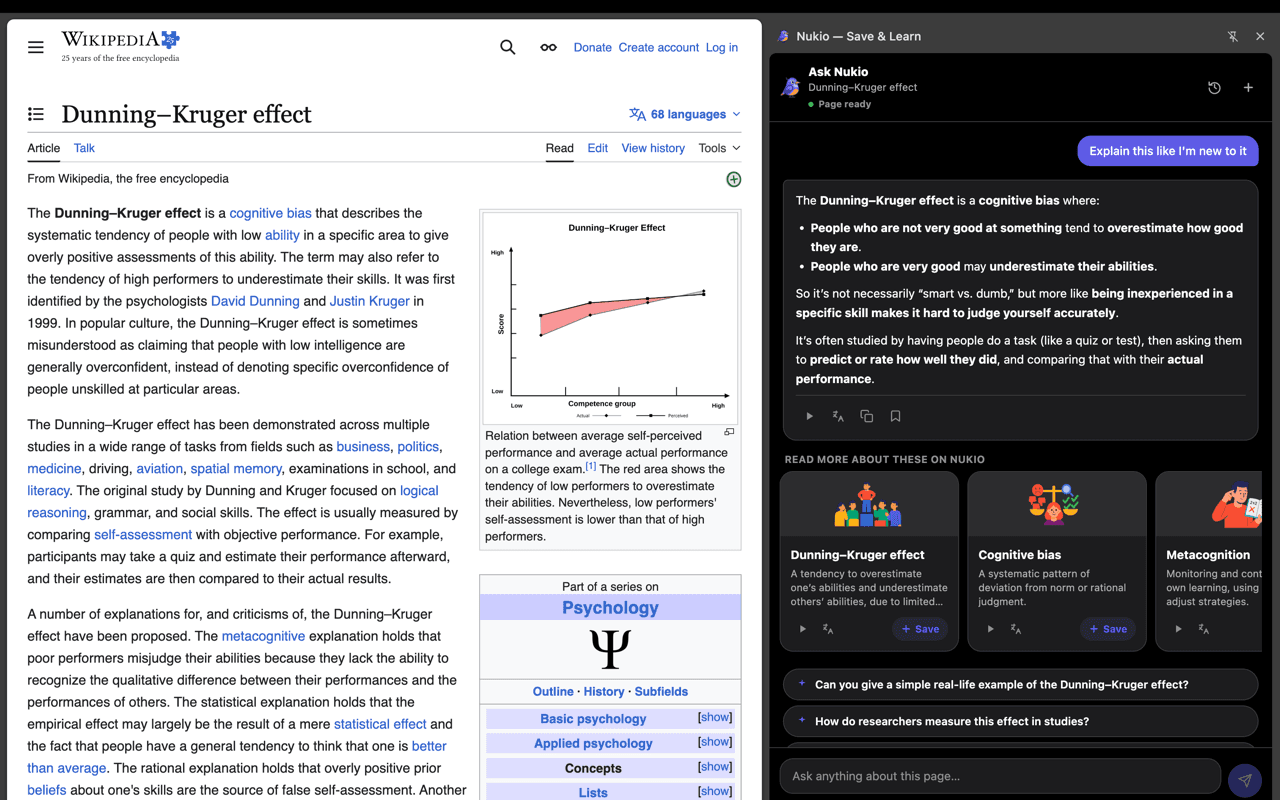
Save what matters
Save the current page, a selected highlight, a PDF, or a video while you browse.
Nukio for Chrome
Save pages, highlights, PDFs and videos to Nukio, then ask AI questions grounded in what you are reading.
While you browse
Save the current page, a selected highlight, a PDF, or a video while you browse.
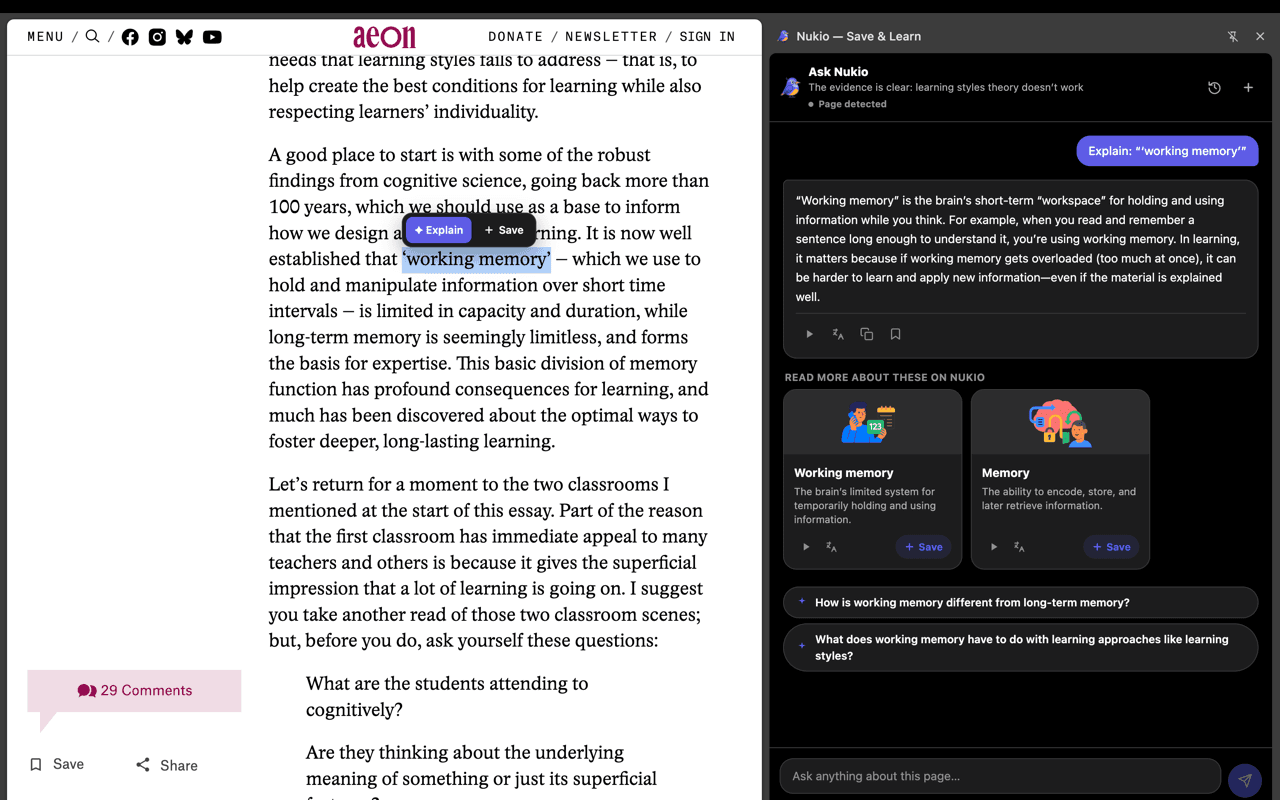
Select text and choose Explain for a concise breakdown without leaving the page.
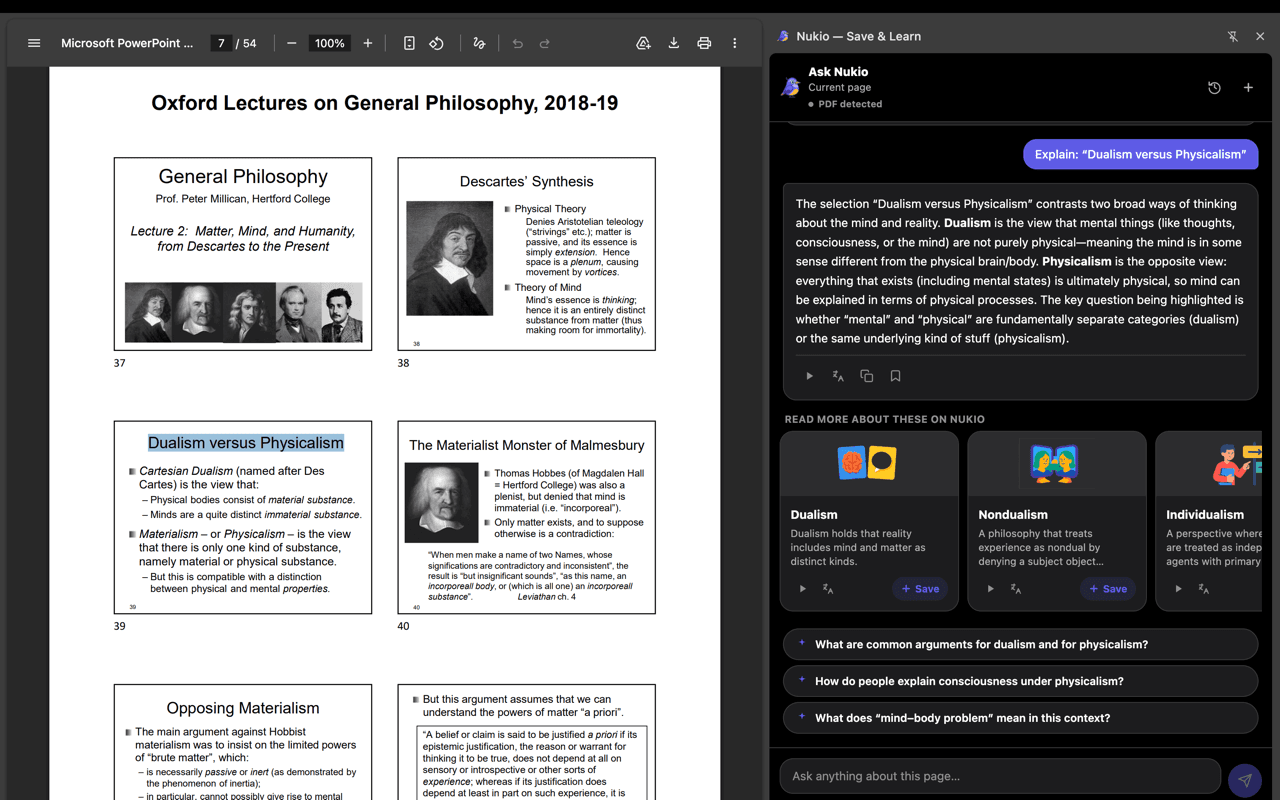
Ask questions about the current page or PDF with answers grounded in what you are reading.
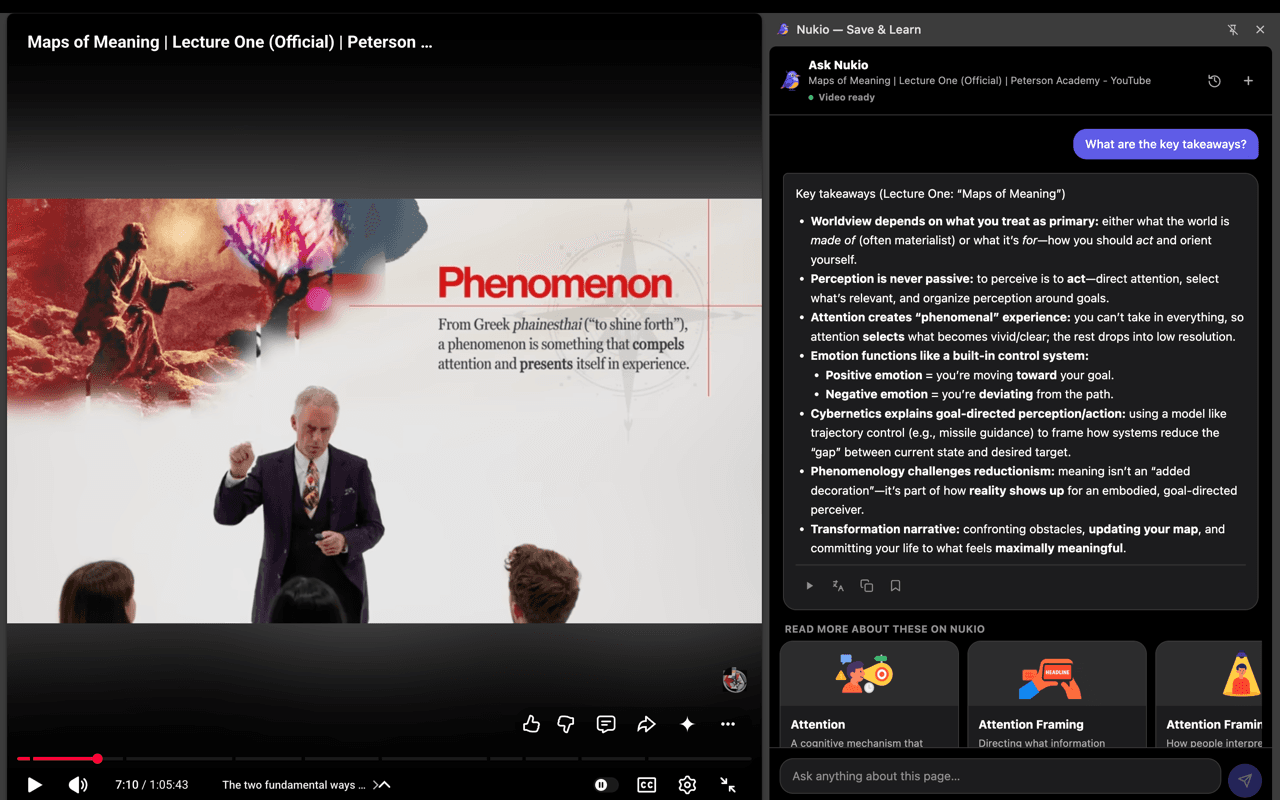
Save videos and continue from extracted concepts, summaries, and related Nukio cards.
Keep learning in Nukio
Extracted concepts and summaries help you continue from the web or app. Concepts can be saved to your learning queue for review.